On the Trade tab you give your skins and take skins from the site in one deal. It works for CS2, Dota 2, Rust and TF2.
See it
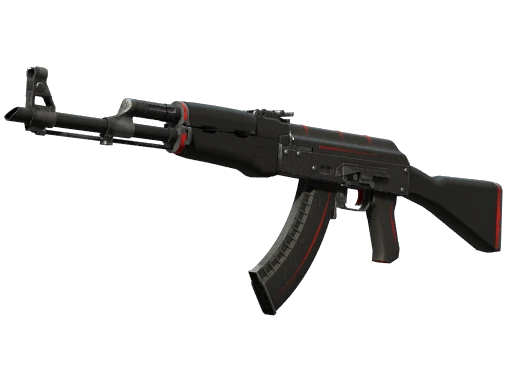
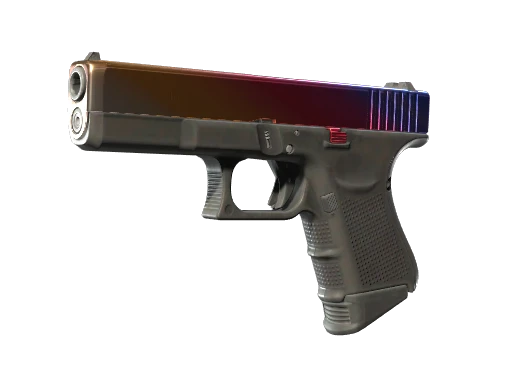
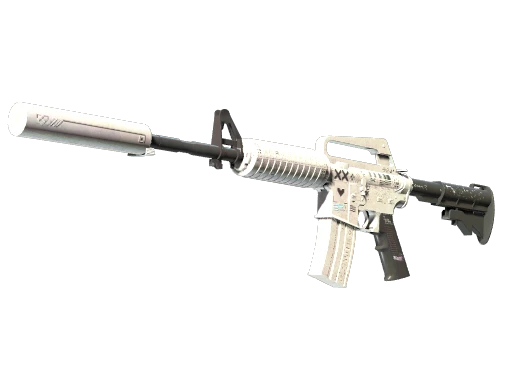
How a trade works
- Open Trade. Use the Marketplace / Trade switch in the header.
- Choose what you give. Select skins from your inventory. The minimum you can give is $5.
- Choose what you get. Pick skins from the site's inventory, up to 50 items on each side.
- Finish within 15 minutes. The skins you picked are reserved for you for 15 minutes, so nobody else can take them while you complete the trade.
Trade value
On the Trade tab your skins are shown at their trade value, which is higher than their sale price. Skins on the site's side are shown the same way, so both sides of the deal are compared on the same scale.
If you're a little short
If what you give is worth less than what you take, the difference is paid from your balance. Not enough on the balance? Press Deposit $X more: the deposit form opens with exactly the missing amount filled in.
Hold balance pays first
In CS2 trades, money on your hold balance is used before your main balance, so funds from recent sales go to work right away.